Cron jobs that page when they don't run.
Add one curl to the end of your job. We watch for it. When the ping doesn't show up on time, we page on-call.
When this monitor earns its keep.
Three concrete patterns. Use them as templates for your own setup.
Nightly database backups
pg_dump runs at 2am. If it silently fails (disk full, expired creds, container crashed), you find out at 9am with no backup. Or you find out at 2:02am because we paged you.
Weekly invoice generation
The Sunday cron that emails customer invoices. Skipped runs = missed revenue. A heartbeat tells you Monday morning whether the run actually happened.
Scheduled ETL pipelines
Airflow, Step Functions, or a plain cron. Any pipeline with a known cadence (every 5m, hourly, daily) gets a ping at the end. Silent = paged.
How the setup looks.
Add one line to the end of your job. That is the whole integration. Flat rate per monitor; ping cadence and alert channels do not change the bill.
Same auth, same alert rules, same status pages as every other monitor type. See all 6
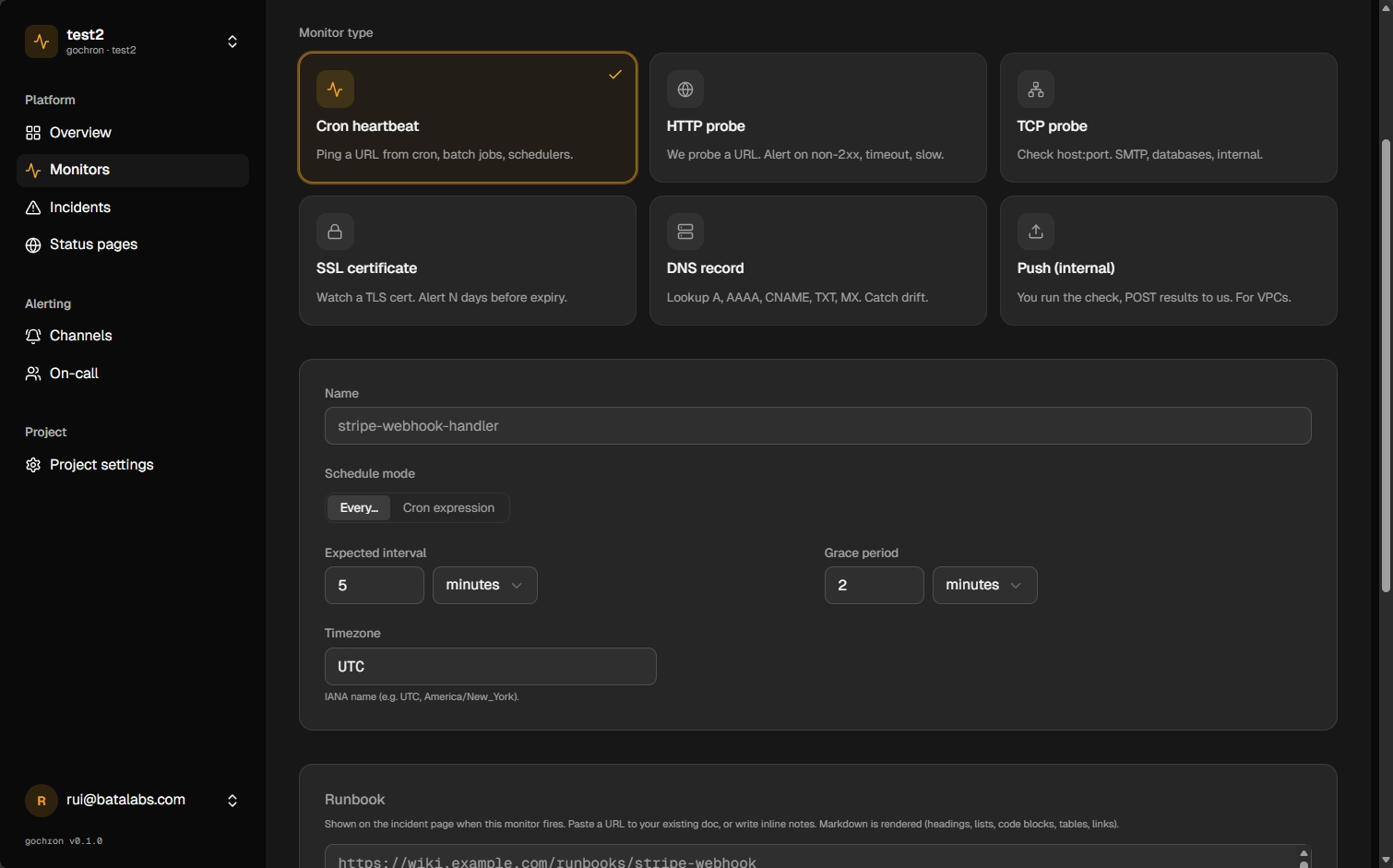
Create the heartbeat monitor
Pick Cron in the dashboard or use the API. Set the schedule to match your job.
Ping when the job succeeds
Call your unique ping URL at the end of the script. We only count completed runs as healthy.
Wire on-call and channels
If a ping is late, we open an incident and notify the rotation you configured.
FAQ
- What endpoint do I curl?
- https://api.gochron.com/ping/<slug>. The slug is shown on the monitor page. No auth header needed. The slug itself is the credential, and it can be rotated.
- What if my job has no network access?
- Use a push monitor instead. Your service POSTs results to us with auth, suitable for monitors inside a VPC or behind a firewall.
- Can I ping before the job, after, or both?
- We accept a ping at any time. The standard pattern is 'ping after success' so we only count completed runs as healthy.